Agent Space Hub
Downloadable AI workspace templates that run in the app. See what is inside, what it connects to, and what it takes to use it.
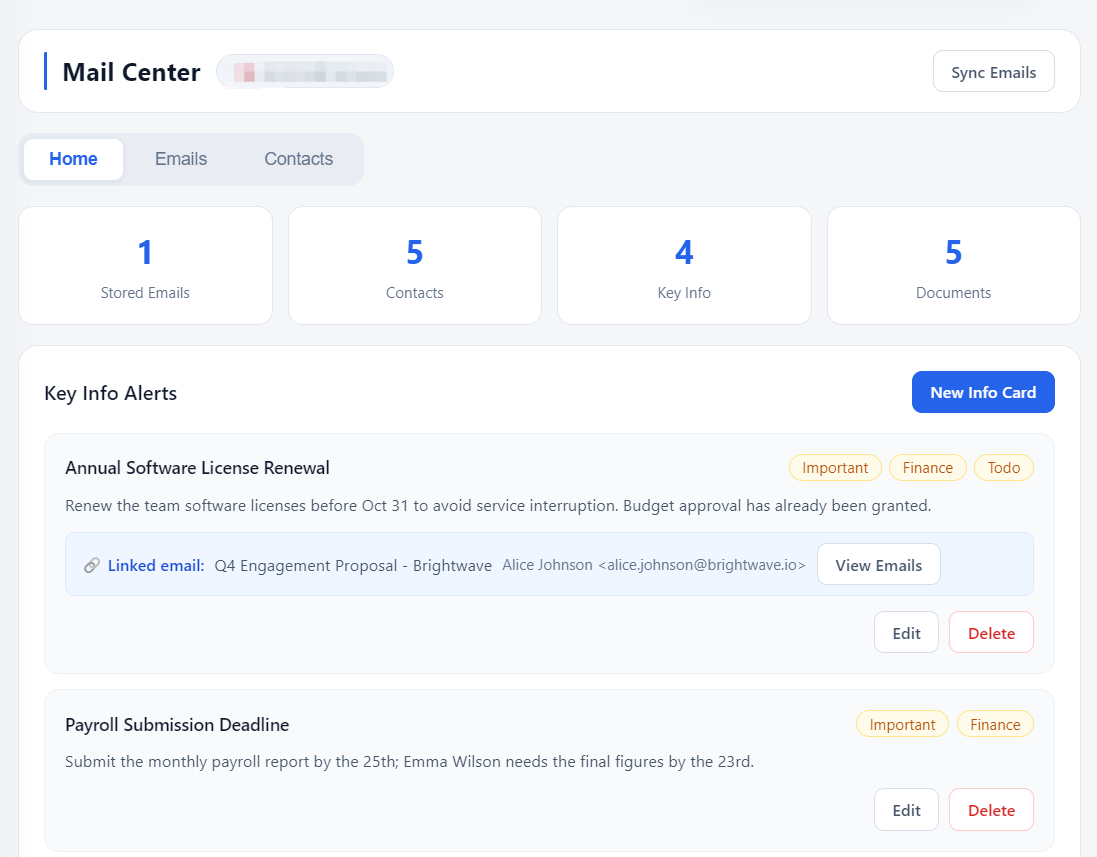
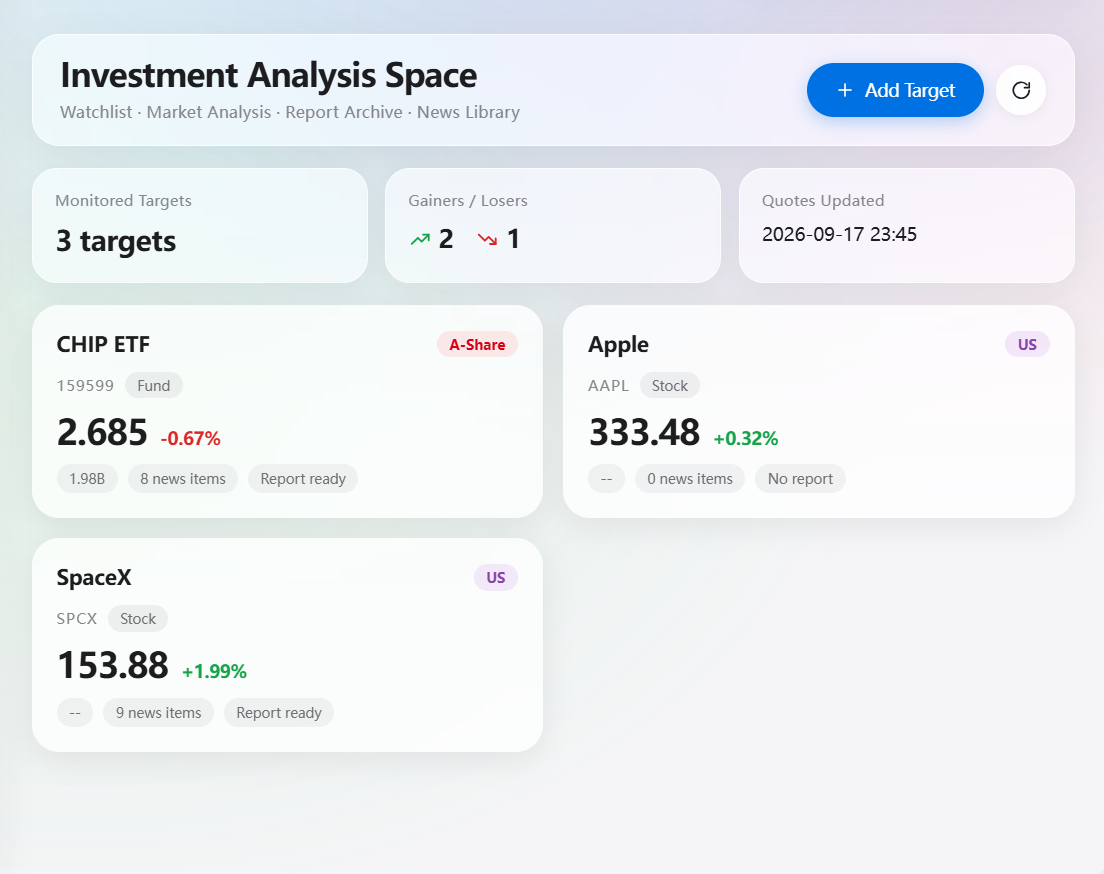
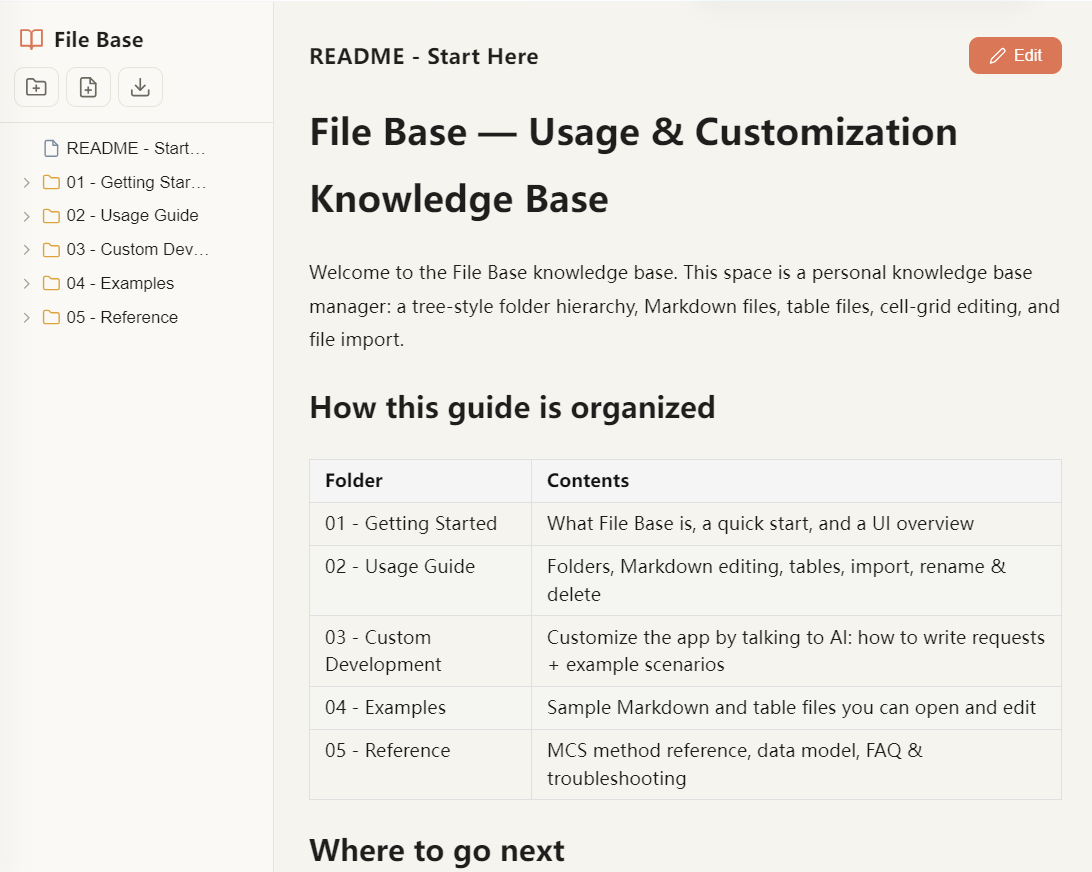
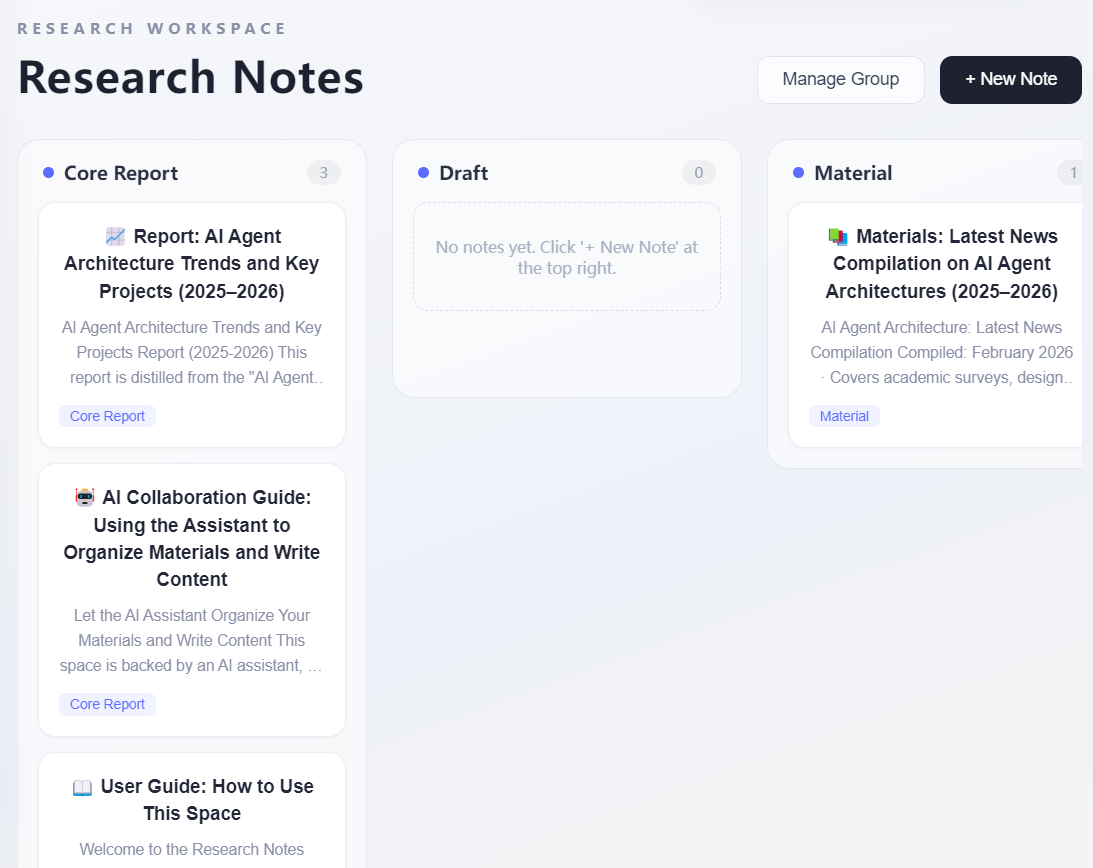
4 Space templates
Start with the work, then choose the template
A template is not a feature list. Choose by the artifact you need next week, then use the first week to decide whether it is worth adapting.
| The work | Start with | First-week output | Watch out for |
|---|---|---|---|
| Research | A research template, or a blank Space plus one request | A source library, one report view, and the first review | Sources without citations, so the answer cannot be checked |
| Writing | A content template | A topic list, a source pile, and a draft you can keep revising | A draft that stays in the chat instead of the workspace |
| Weekly report | An automation template, or one scheduled task | A recurring report with a run history | Trusting a schedule that was never run by hand |
| Knowledge base | A knowledge-base template | A searchable index that points back to pages | Importing 500 files before the 20-file sample |
| Social | The AI social workbench | One channel’s listening, drafts, and a review queue | Promising full auto-publish and skipping the manual platform step |
Common questions
What is an AI workspace template?
A template is a starting point for a kind of work. It includes an interface, data, and common tasks, and it can still be changed after loading.
Can I change a template after loading it?
Yes. A template is not a fixed product. After loading it, ask AI to change the interface, data, or automations, or save the result as your own template.
Do I need to write code to use a template?
No. Describe what should change in everyday language; AI reads the existing code and makes the change.