The path in three steps
1. Map the question to the artefacts it needs
A research question is rarely one answer. It has sources, notes, a comparison, and a date. Write those artefacts down before you choose a tool. If the work only needs a definition, a chat is enough. If it needs a source list you will reopen next month, the transcript is the wrong container.
The AI deep research tool page shows the artefact list for a research task. Use it as a checklist, not as a promise that every question deserves the same machinery.
2. Put the sources and the current state in the workspace
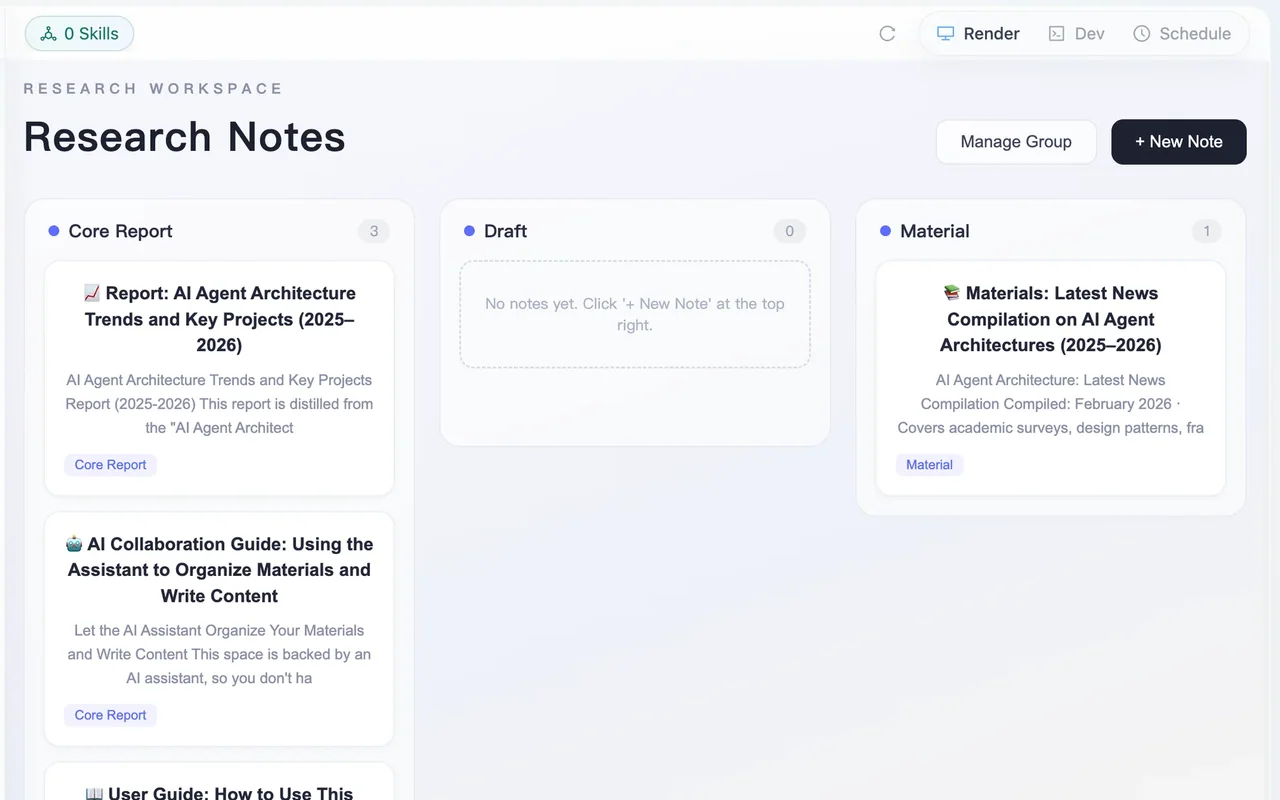
The expensive part of research is not the first answer; it is the second question. Store the source, the page, the note, and the open question in one place so the next question starts from what you already know. A chat can do this if you paste everything again, but pasting is not a state; it is a copy that drifts.
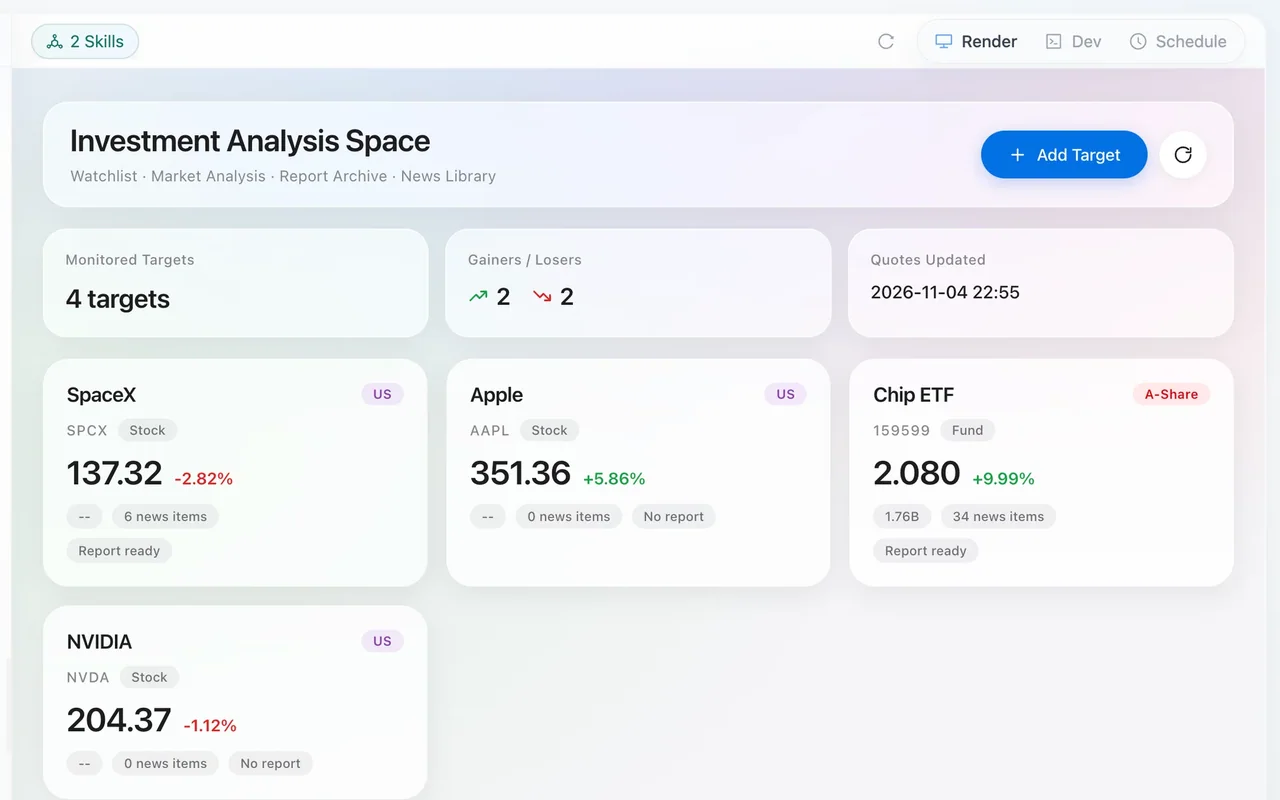
In Mesocosm, the workspace keeps files, data, and the rendered view together. The AI knowledge management guide explains the same structure for documents rather than earnings models.
3. Ask the next question against the saved state
Test the workspace with a follow-up that depends on the first answer. Ask for a comparison, a contradiction, or a refresh. If the tool can answer without you re-pasting the background, the state survived. If it cannot, you are back in chat with extra steps.
The AI workspace on desktop page covers why the local file and the long-running task matter when the research outlives one session.
Research stage matrix
| Research stage | What chat keeps | What a research workspace keeps | What you lose in chat |
|---|---|---|---|
| Define the question | The wording of the question | The question, the scope, and the artefacts | The reason the scope was narrowed |
| Collect sources | Links and quoted text | Files, pages, provenance, and the source list | The ability to reopen the exact page |
| Record evidence | The model's summary | Your notes and the source next to them | The difference between a quote and a guess |
| Hold state | The last few turns | The current view, data, files, and open questions | Continuity after the context window moves |
| Review and hand off | A transcript to read | A dated artefact with a review trail | A clean hand-off to a colleague |
The last row is the one teams underestimate. A transcript is readable, but it is not a reviewable artefact. A workspace gives the next person the same state you had, not a summary of it.
Two limits to plan around
Chat is better for one-off questions
If you need a definition, a quick comparison, or a first orientation, chat is faster. Building a workspace for a question you will never reopen is overhead. The useful rule is to start in chat and move the part you will reuse into a workspace.
A workspace does not make the research correct
Keeping state is not the same as validating a claim. A workspace can preserve a bad source as faithfully as a good one. You still check the page, the date, and the reasoning; the tool only makes that check easier to repeat.
Common questions
Is chat not enough for research?
It is enough for a single answer. It is weaker when the next question depends on the sources, the notes, or the date of the last check. Choose by what has to survive the session, not by which interface looks more advanced.
What exactly do I lose when the work stays in chat?
You lose the stable source list, the structured note, the visible state, and the review trail. You also lose the ability to hand the work to someone else without handing them the whole transcript.
Does a research workspace make the answer more accurate?
Not by itself. It makes provenance and state easier to keep, which makes errors easier to catch. Accuracy still depends on the sources you choose and the checks you run.
Can I move an old chat into a Space?
Yes. Ask the agent to write the reusable part — sources, notes, open questions — into the Space, then continue there. Do not copy the entire transcript; copy the artefacts you will actually reopen.