The path in three steps
1. Start from the memo you have to deliver
The watchlist is not the output. The memo, the report, or the note you hand to someone else is. Start there and work backwards: which sections must exist, which claims need a source, and which date proves the work is current. If the tool cannot keep that output, the rest of the feature list does not matter.
For the broader process, read how to do AI investment research. For the memo itself, the earnings call notes to investment memo path is a concrete example.
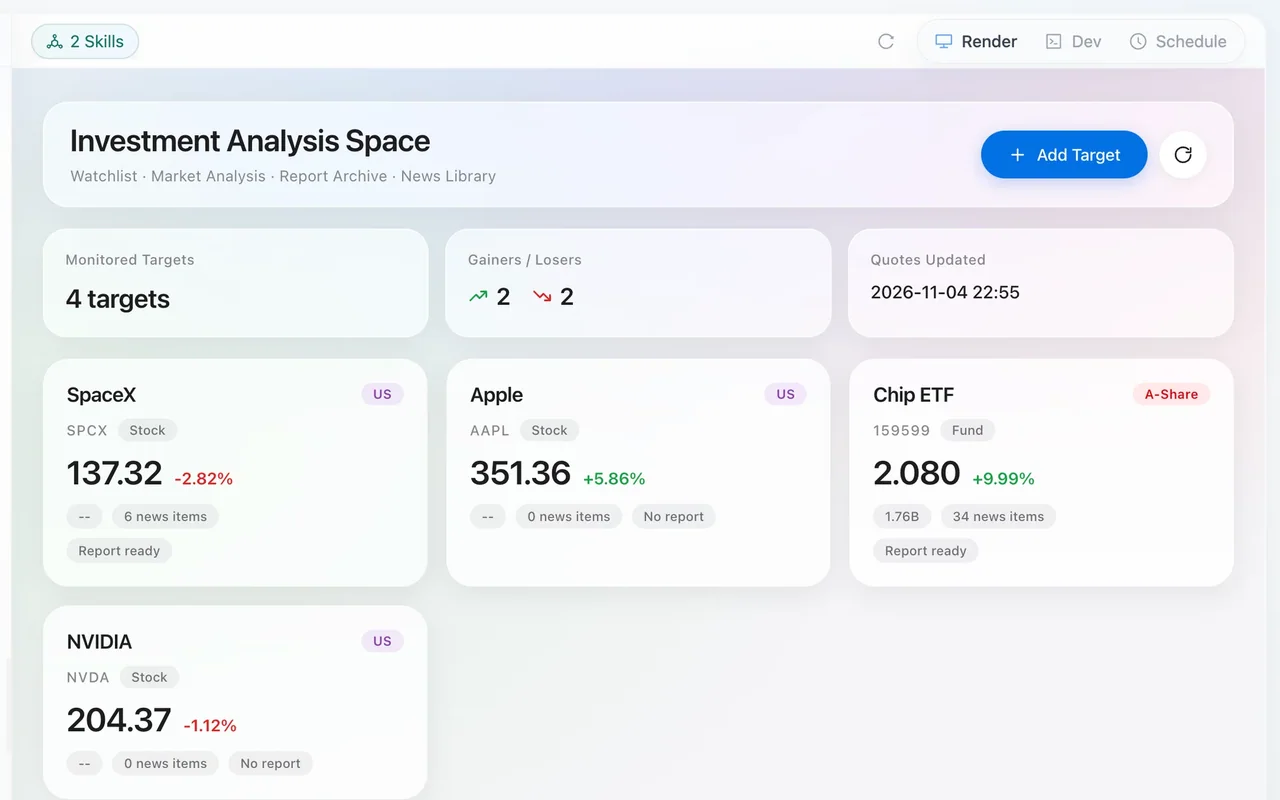
2. Put sources where the next question can find them
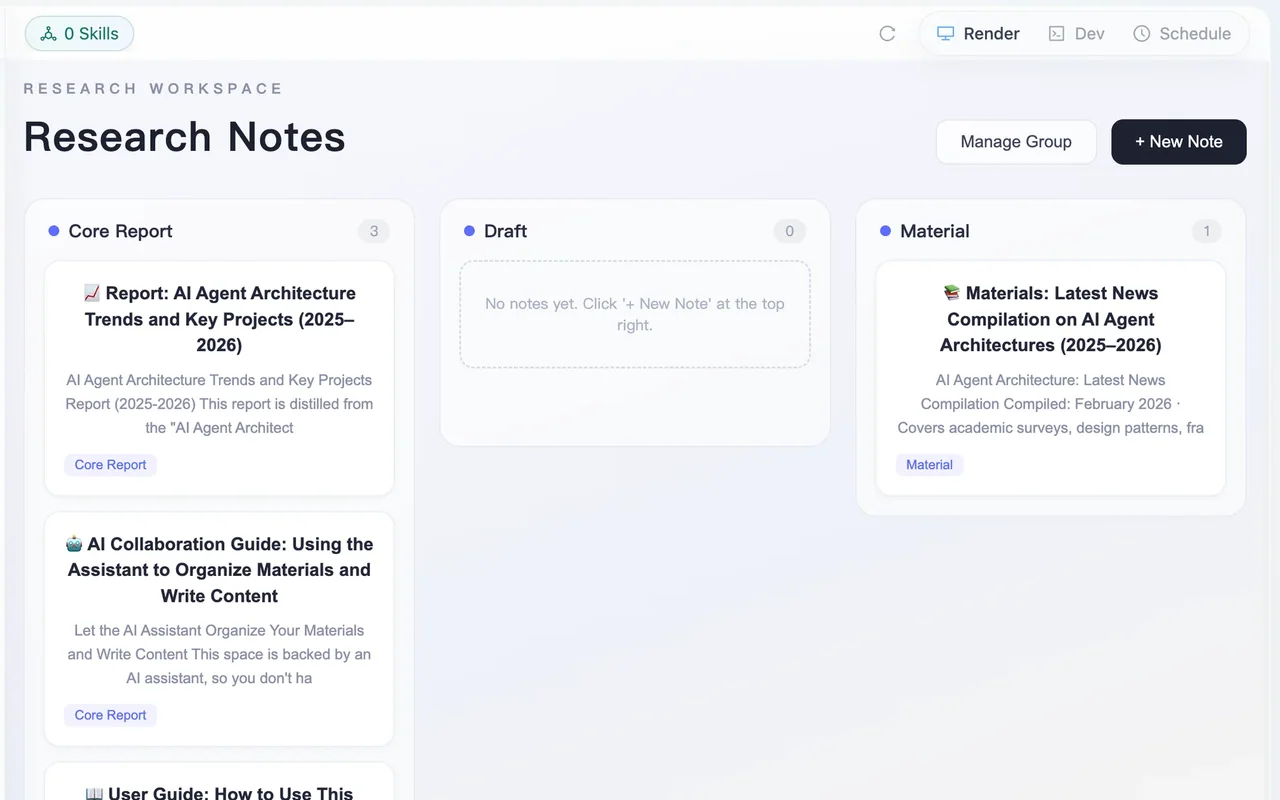
A source that lives only in a chat transcript is gone by the next session. The useful pattern is to store the file, the page, and a short note in the same workspace as the memo. Then the next question can reopen the evidence instead of asking you to paste it again. Look for page-level provenance, not a document-level citation.
The AI investment research workflow shows the same structure with a watchlist, a source library, and a report view. The point is that the artefacts stay together after the first answer.
3. Refresh one claim and check the record
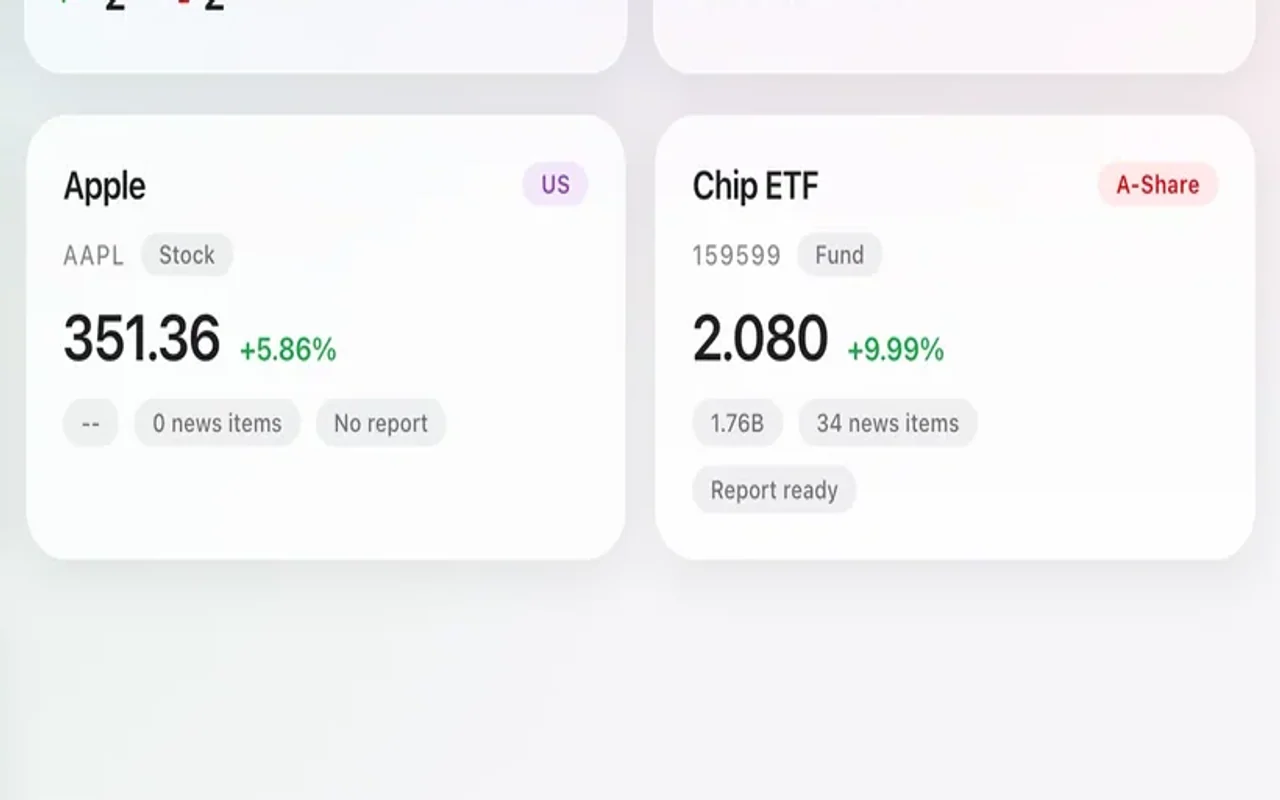
A research assistant should show its last refresh, not hide it. Pick one claim, refresh the source, and compare the new result with the stored note. If the tool cannot tell you what changed or when it ran, you cannot audit the memo later. One successful refresh is not a promise that the next one will work.
Capability, permission, and limit matrix
| Feature | Why it matters | What to check before you buy | How Mesocosm handles it |
|---|---|---|---|
| Source provenance | A claim you cannot trace is not research | Can you open the exact file and page? | Sources and notes stay in Space data; MCP reads can be re-run |
| Note and data model | Ad-hoc chat loses the fields you need next time | Are the fields fixed and reusable? | Space data tables and files hold the structure |
| Refresh state | Stale data looks current | Is the last refresh visible? | Quote and report cards carry an updated timestamp |
| Export path | A memo trapped in a tool is a liability | Can you take the memo and its sources out? | The memo and sources live in inspectable Space files and data |
| Permissions | Research data is often confidential | What can each connector read? | The MCP catalog is read-only for data services |
| Audit trail | You may have to explain a change months later | Can you see what ran and when? | Run history, dev-mode files, data, and logs |
| Cost | AI credits disappear quietly | Can you forecast one research cycle? | Credits are charged per AI call; usage is visible in the account |
Every row is a question to ask any tool, not a claim that only one product has it. If a vendor cannot answer three or four of these without a demo, the feature list is probably marketing.
What does one research cycle cost?
A useful answer is a shape, not a number. Mesocosm does not publish a per-call rate, so calibrate one cycle in the account ledger, then plan in multiples.
| Cycle | What it includes | Credit band | What drives the cost | How to keep it down |
|---|---|---|---|---|
| Desktop research | One bounded question over your source library | 1× base | One retrieval and one long answer | Ask for one section; reuse it |
| Full memo | Ten to twenty source reads, a draft, and revisions | 3–5× base | Long context and repeated drafting | Draft section by section; keep the outline in a note |
| Weekly refresh | The same queries over the same sources | 1–2× base | Re-reading unchanged sources | Refresh only the claims that moved |
The expensive actions are re-reading a long document per section, regenerating an approved draft, and letting a refresh re-run the whole library. The free plan starts at $0; the ledger shows what one cycle used.
Which setup fits which analyst?
Workstation functionality changes with the setup: the features are shared, but the artefacts you keep are not.
| Setup | Best for | What you can skip | Starting cost |
|---|---|---|---|
| Independent analyst | One analyst covering several names | Team permissions; a shared audit review | $0 to start; credits scale with memo volume |
| VC team | Two to five analysts sharing a library and a template | A separate research tool if the library lives in Space | A plan plus shared credits; the library is the real work |
| Corporate strategy | A team that must defend a memo months later | Chat tools that cannot keep a source | A plan plus an owner for permissions |
Two limits to plan around
It does not pick investments
This is not a recommendation engine. It organises evidence, keeps sources, and helps you draft a memo. It does not tell you what to buy or sell, and it does not promise a return. The decision stays with the analyst, and the final check stays with a person.
It depends on the sources you feed it
If the PDFs are scans, the notes are thin, or the data is stale, the output is thin too. Check extraction before you trust a citation, and check the date before you trust a number. The assistant can make your evidence easier to revisit; it cannot make weak evidence strong.
Common questions
Does it recommend stocks or funds?
No. It organizes research and sources; the recommendation stays with you. Read the full boundary.
Can it read PDFs and filings?
A Space can hold files and sources, but the quality of the result depends on extraction. Scanned pages may need OCR, and tables often lose structure. Read turning PDFs into a searchable knowledge base before importing a large library.
Does it refresh automatically?
A scheduled task can run the same research prompt on a cadence, but you still check each run. One successful refresh does not guarantee the next, especially when a source changes its page or login. Read the run history before you rely on it.
Can I get the memo and sources out?
The memo and its sources live in Space files and data that you can inspect and copy. Check the formatting after you move it, and keep the source links with the memo so a reader can reopen them.
How much does it cost per month?
The free plan starts at $0. Paid plans add a monthly credit grant; top-ups cover heavier months. Mesocosm does not publish a per-call rate, so budget from the account ledger.
Which setup should a 3-person team pick?
The VC team setup: one shared library, one memo template, and one permissions owner. Skip a separate research tool if the library already lives in Space.